Stop Spending 10 Hours on OBS.
Turn Your Screen into a 1080p 60fps Broadcast in 3 Minutes.
The definitive commercial asset pack and golden profile engineered for creators, educators, and streamers. Zero stutter, studio-grade -16.0 LUFS audio, and 1-Click scene deployment.
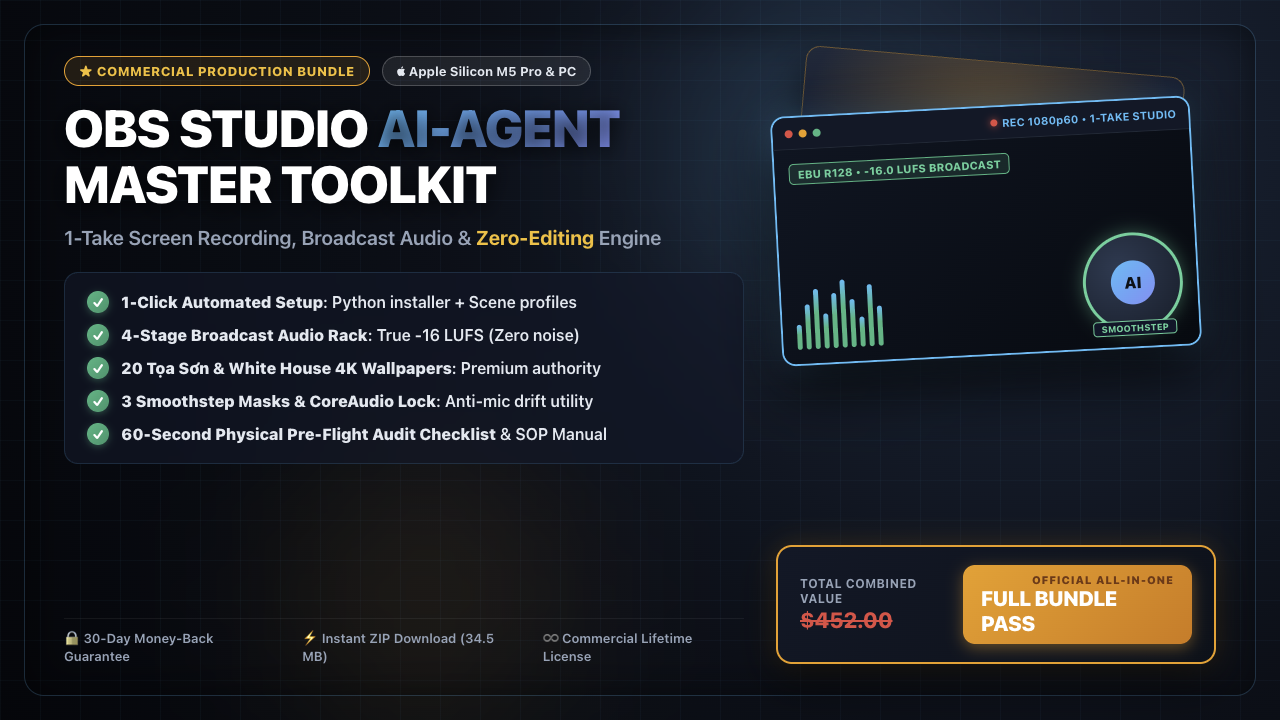
What's Inside The Master Bundle
Everything you need to produce TV-grade tutorials and videos without buying expensive gear.
1. Golden OBS 1-Click Profile
$97 ValuePre-configured 1080p 60fps / 1440p bitrate matrices for Apple Silicon Metal (VT H.264) and NVENC PC. Never drop a single frame again.
2. Broadcast Voice EQ Chain
$79 ValueStudio-calibrated filter rack (-16.0 LUFS EBU R128 compliance): Noise suppression, 3-band surgical EQ, compressor, and brickwall limiter.
3. 20x 4K Dark Luxury Wallpapers
$49 ValueHigh-authority virtual backgrounds with optimal depth-of-field blur, making your circular webcam look like a $3,000 cinema studio.
4. 1-Take Hotkey & Script SOP
$59 ValueOur battle-tested standard operating procedure for split-screen switching, instant teleprompter pacing, and zero-retake efficiency.
5. AI Auto-Subtitle Pipeline
$99 ValueAutomated shell script that extracts audio, runs local Whisper Metal transcribing, and bakes high-engagement captions automatically.
6. M5 Pro & Windows Setup Guide
$69 ValueZero-fluff step-by-step walkthrough in English and Vietnamese. Fully tested on macOS Tahoe 26 and Windows 11.
The 1-Take Difference
Why top creators choose this production system over traditional methods.
| Feature | DIY / Default OBS | With 1-Take Master Bundle |
|---|---|---|
| Setup Time | 5 - 10 hours of trial and error | 3 minutes (1-Click Import) |
| Audio Quality | Hissy, quiet, echoes, uneven volume | -16.0 LUFS Broadcast Standard |
| Recording Philosophy | Record, stop, edit 20 cut errors | 1-Take Flow (zero editing needed) |
| Hardware Optimization | High CPU fan noise, dropped frames | Apple Metal / NVENC Hardware Accelerated |
Frequently Asked Questions
Have questions? We have answers.
Instant digital delivery • Secure 256-bit encrypted checkout via Digistore24